
Redesign
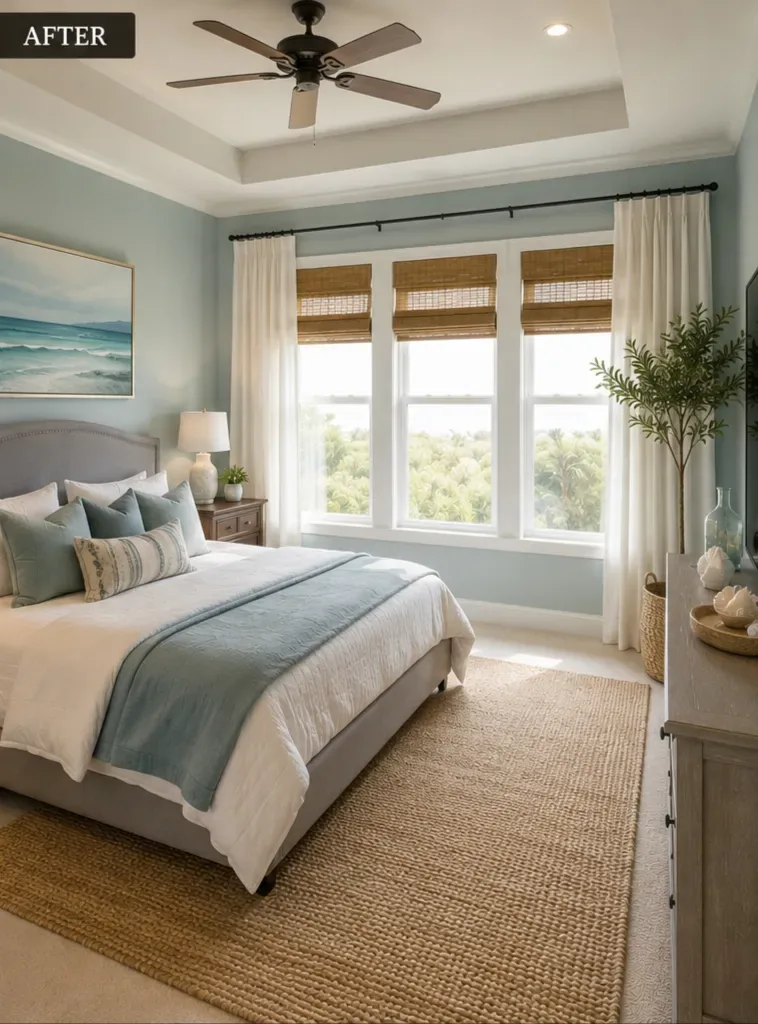
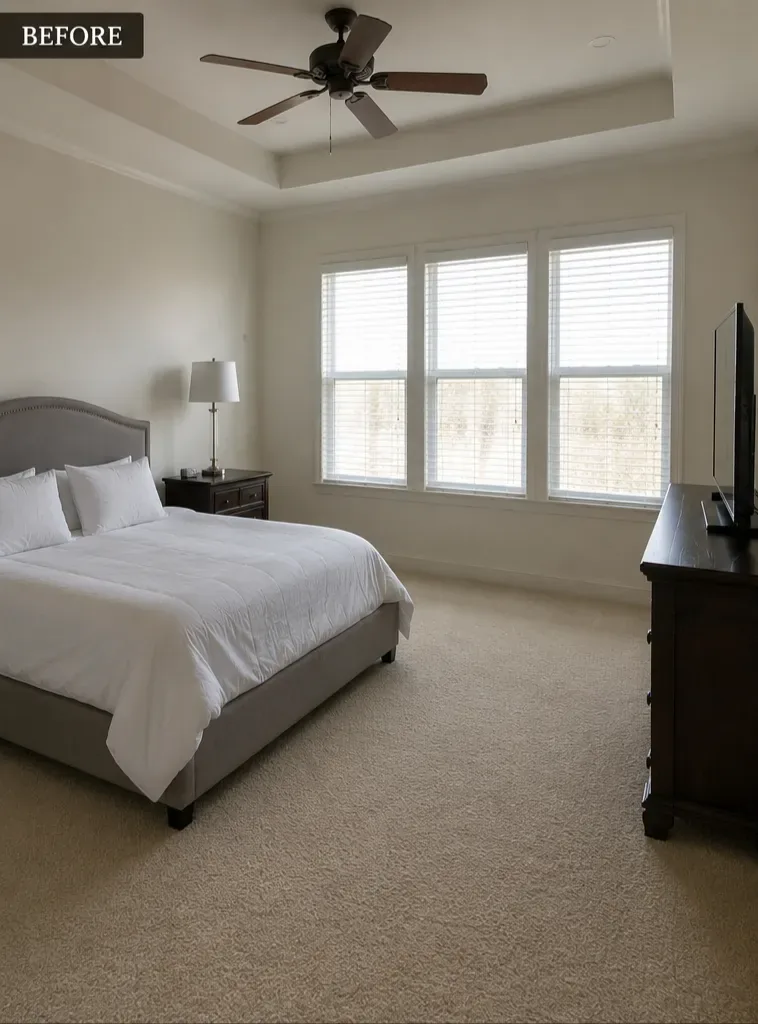
A plain bedroom becomes a calm coastal retreat.
Take a photo of your room, get a stunning AI design in moments, then find the furniture and decor that match.
Dealviora is an AI interior design app that turns a single photo of your room into a finished design. Redesign a bedroom, see new wall paint colours on your own walls, add furniture and decor, or style an empty corner, all without hiring a designer or moving a single piece of furniture.
Pick a goal, choose a style such as Modern or Minimalist, and compare the result with your original photo. When you love a design, Dealviora suggests furniture and decor that match, so you can go from idea to a real room.
Go from a simple photo to a beautiful, shoppable design in minutes.
Choose a goal, then take or upload a photo of your room.
Pick the room type, a style, and your paint, size and budget preferences.
Receive a personalised new design and compare it with the original.
Explore furniture and decor that match your new design.
Pick a goal and Dealviora does the rest.
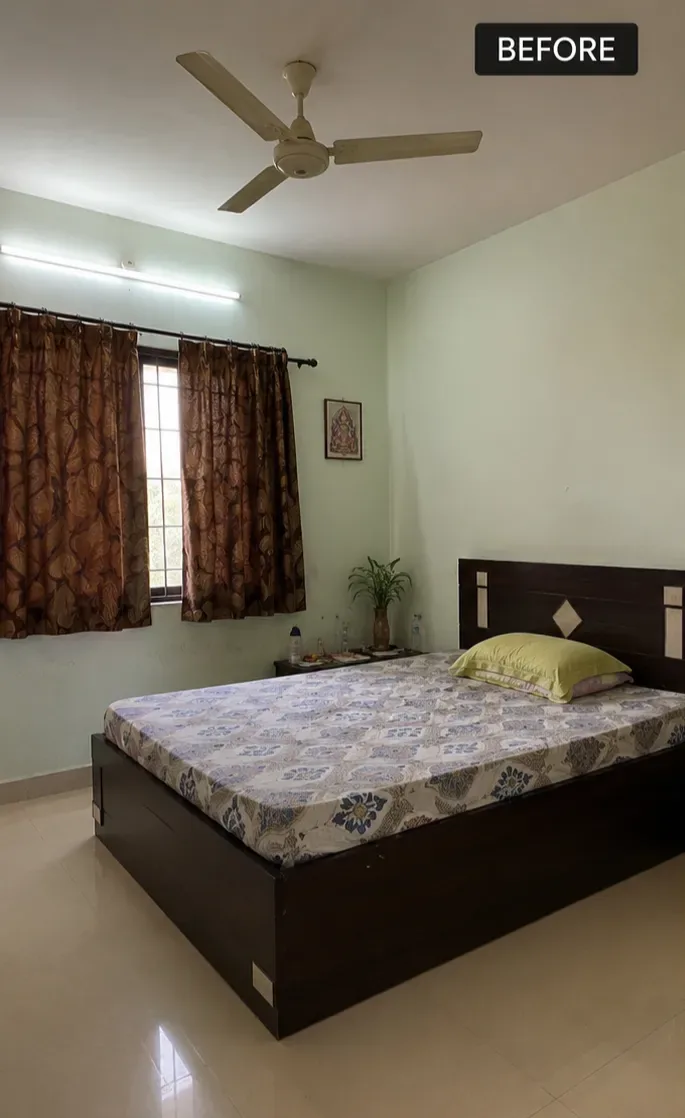
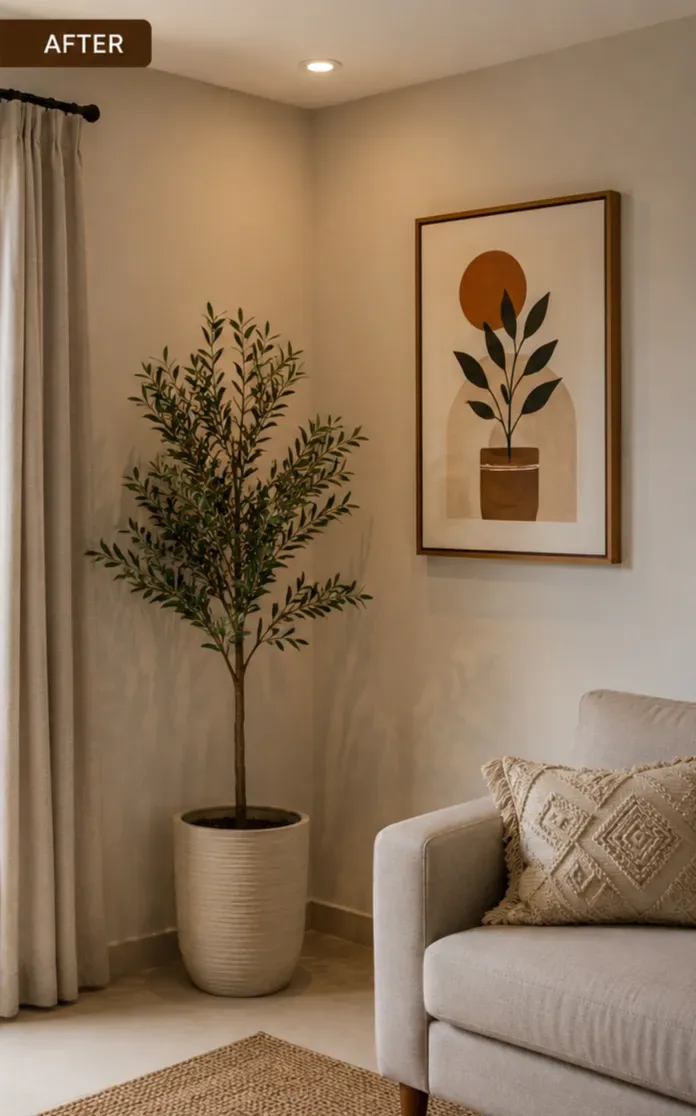
Drag the slider on each photo to compare the original room with the Dealviora result.
A plain bedroom becomes a calm coastal retreat.
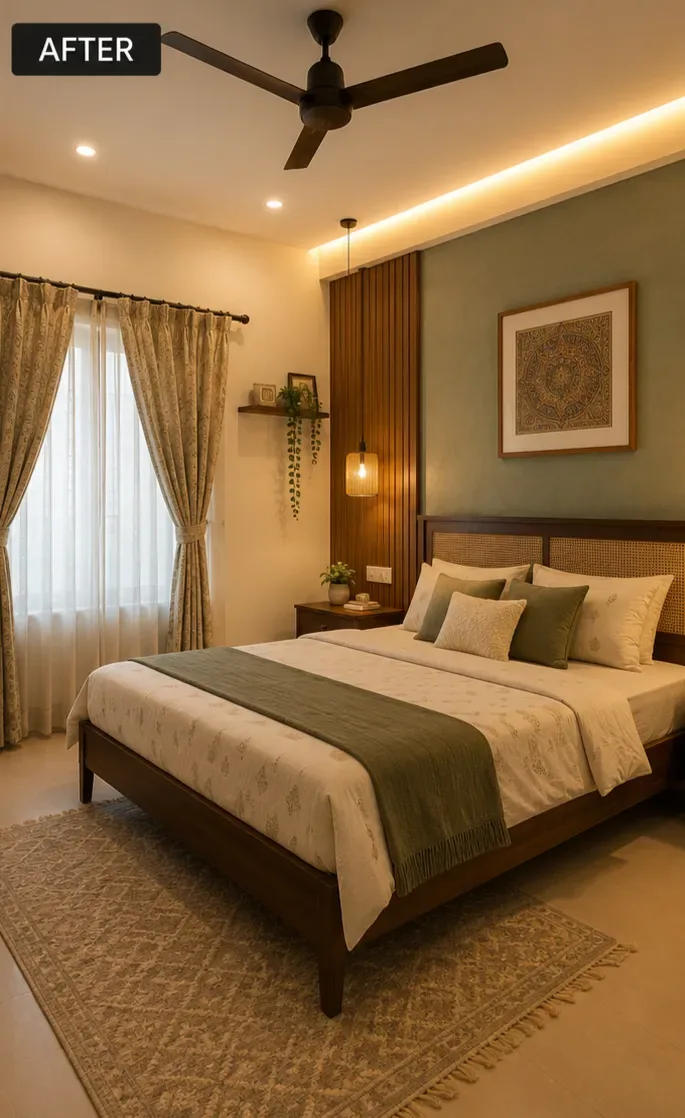
New wall colours, lighting and finishes before you pick up a brush.
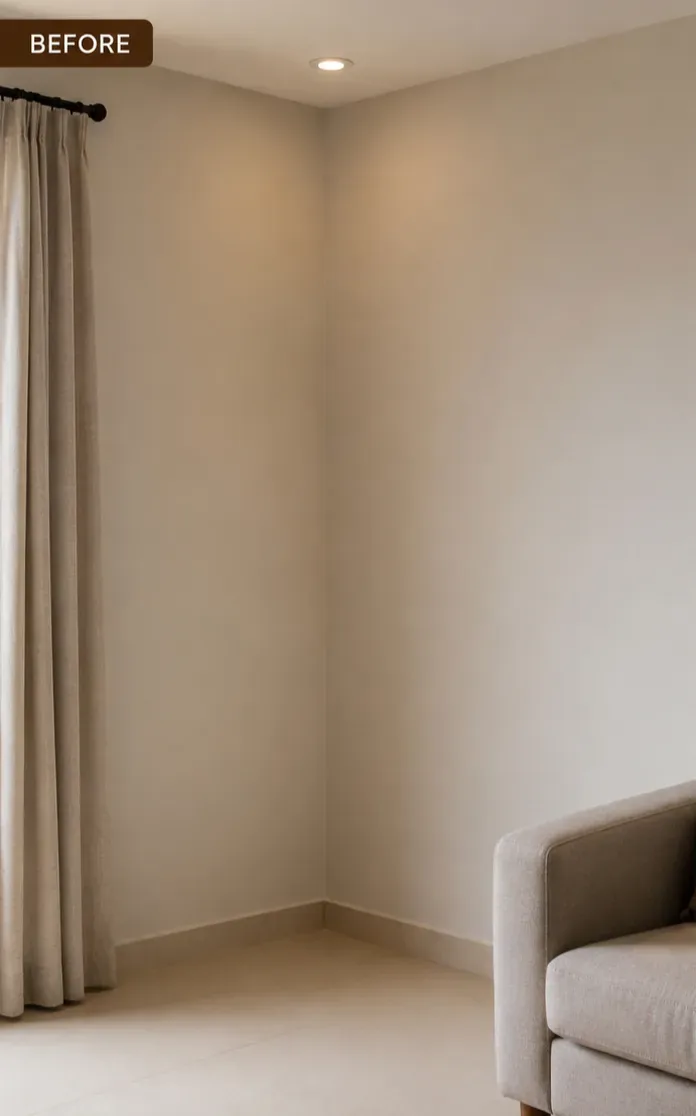
An empty corner styled with a plant, art and cosy textures.
From photo to finished design in a few simple steps.
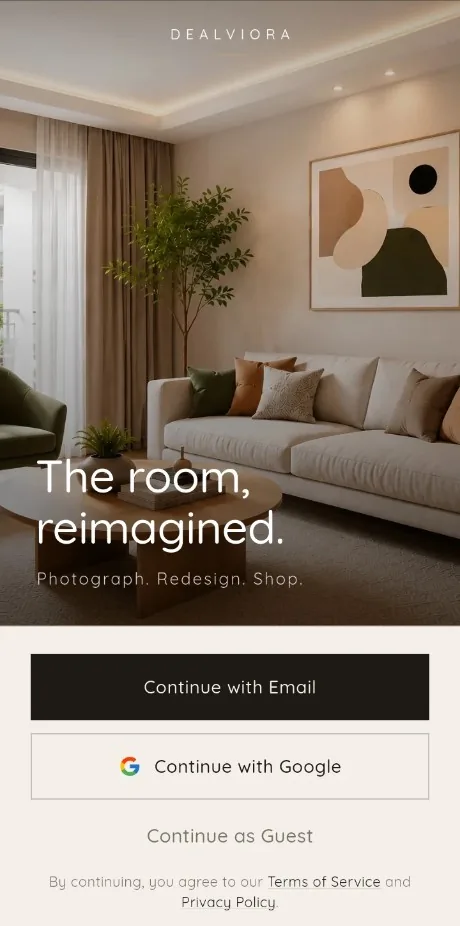
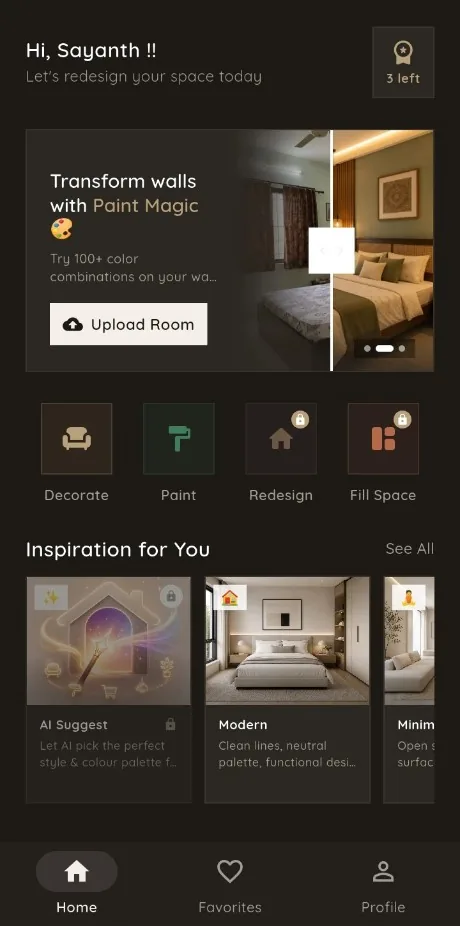
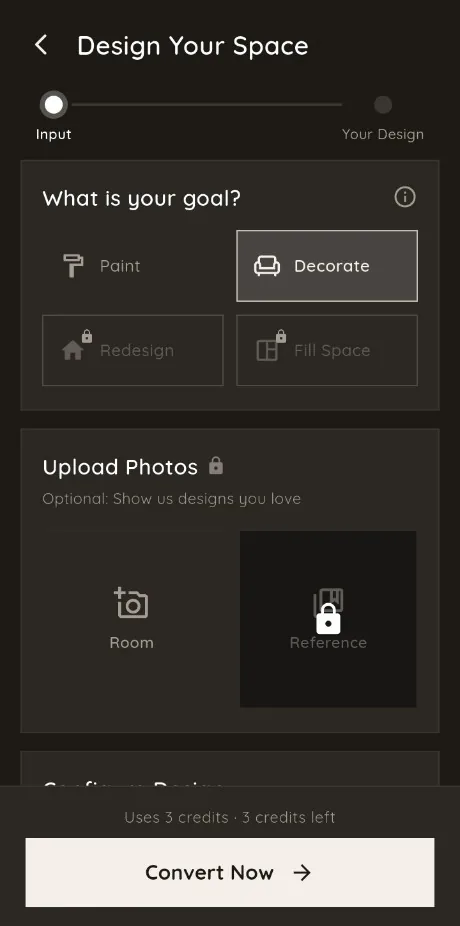
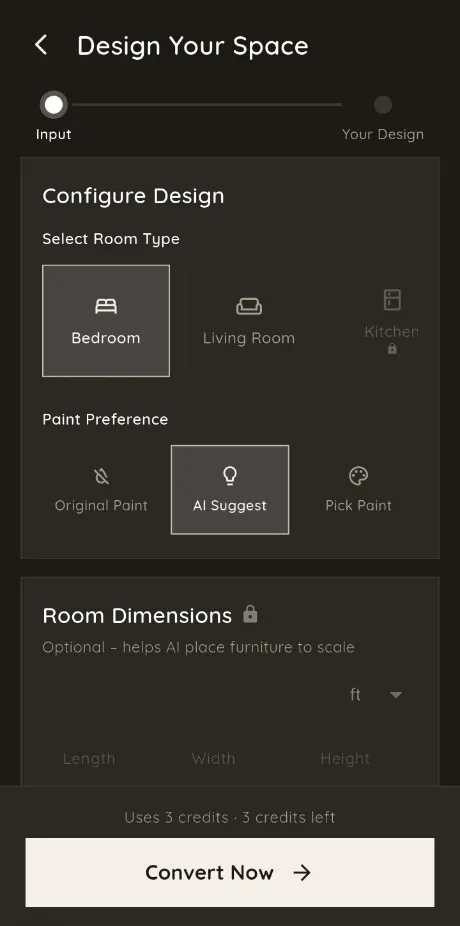
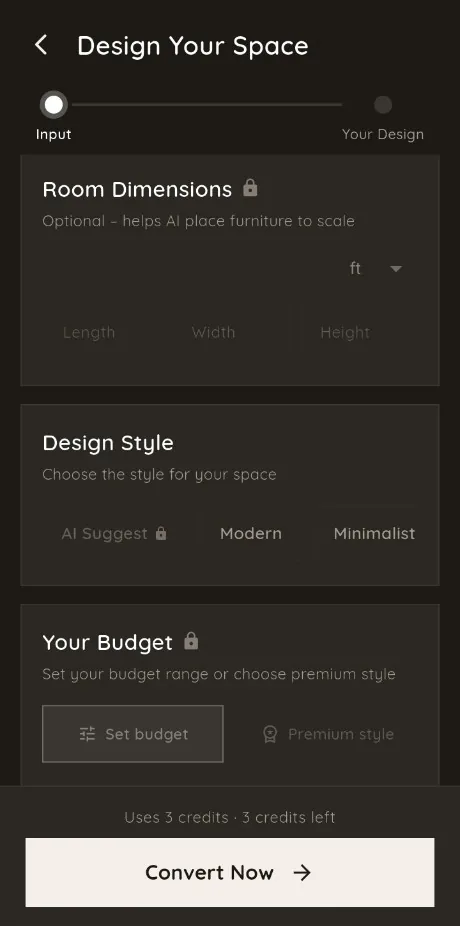
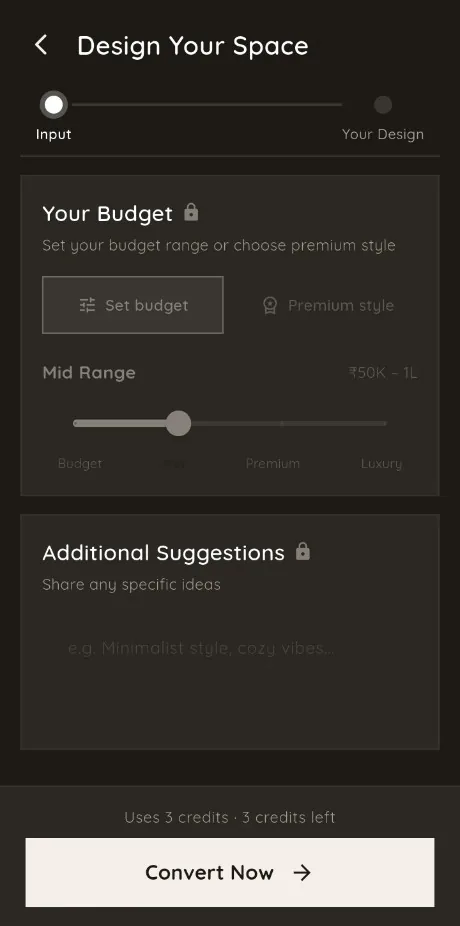
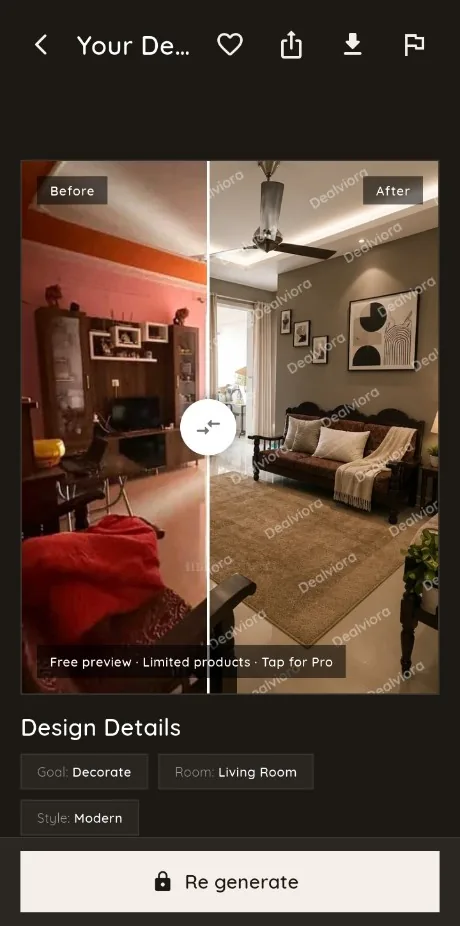
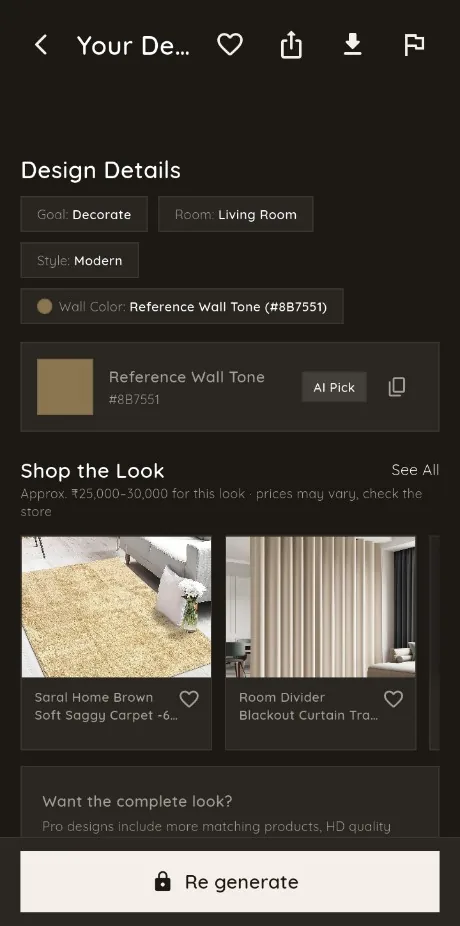
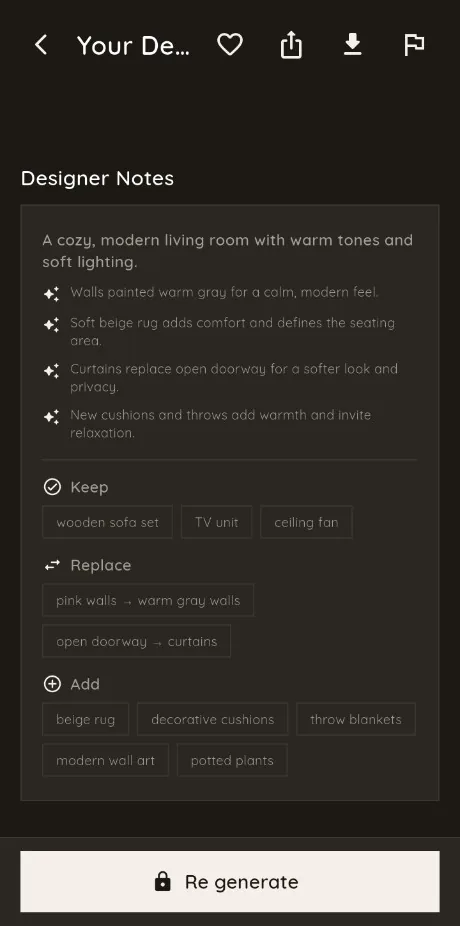
Dealviora suggests furniture and decor that match your new design, so you can go from inspiration to a real room.
Dealviora is an AI interior design app for Android. You take a photo of your room, choose a goal such as Redesign, Paint, Decorate or Fill Space, pick a style, and get a new design of your own room in moments. You can then explore furniture and decor that match the design.
Dealviora is available now on Google Play for Android phones. The iPhone version is coming soon to the App Store.
You can start for free with a few design credits and earn more by watching short ads. Optional Pro plans offer more credits, unlocked features and higher quality designs without a watermark.
Dealviora works on Android phones and is available on Google Play. An iPhone version is coming soon to the App Store.
No. Dealviora is built for homeowners and renters, not professionals. You only need a photo of your room. The app handles the layout, colours and styling, and you choose the result you like.
You can sign in with your Google account, with email and password, or continue as a guest to try it out.
Your photos are used only to create your designs and are stored so you can see your design history. You can delete designs or your whole account at any time. See our Privacy Policy for details.
When you sign in with Google, Dealviora receives only your name, email address and profile picture. We use them to create and secure your account, never sell them, and delete them when you delete your account. Read our Privacy Policy.
Dealviora is available now on Google Play for Android. The iPhone app is coming soon to the App Store.